Installation
- Node.js v22+ (LTS recommended)
- PNPM (Highly Recommended) or NPM/Yarn
- TypeScript knowledge
1. Let's start
OpenCore is distributed as an NPM package. You can add it to an existing resource or start a new project with our CLI!
With our CLI (Recommended)
first, install the CLI
npm install -g @open-core/cli
and now can you create a new OpenCore project
opencore init
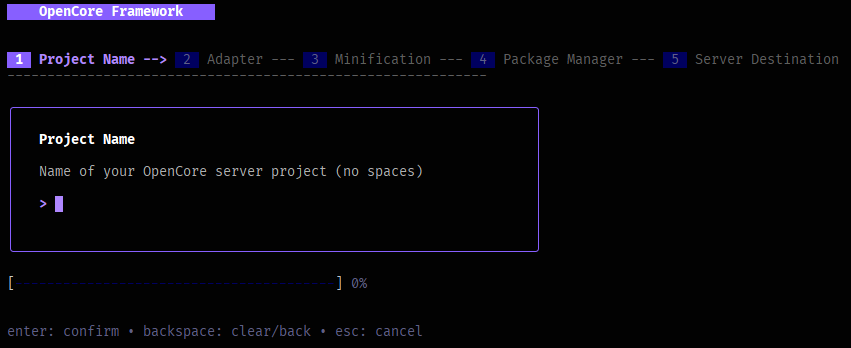
that's create a monorepo with pnpm, with core/, resources/* and standalones/*
core/ // here is where you code your core-resource
resources/ // here are the others resources
views/ // views folder, if you want to have separate
opencore.config.ts // config file for the project
package.json
pnpm-workspace.yml // example with pnpm
tsconfig.json
cd ./your-project
pnpm install
and ready!
Add your adapter
After initialization, you need to configure your target platform. OpenCore supports multiple platforms (FiveM, RedM, Node) through adapters.
from scratch:
pnpm add @open-core/framework reflect-metadata tsyringe zod uuid
Required Peer Dependencies
reflect-metadata: For decorator support.tsyringe: For Dependency Injection.zod: For input validation schemas.
2. Configurations
OpenCore relies heavily on decorators. You must enable specific compiler options in your tsconfig.json.
{
  "compilerOptions": {
    "target": "ES2020",
    "module": "commonjs",
    "experimentalDecorators": true, // REQUIRED
    "emitDecoratorMetadata": true, // REQUIRED
    "strict": true,
    "esModuleInterop": true,
    "skipLibCheck": true
  }
}